Article
How to Fix Garmin Watch Alarms Not Working on Samsung Phones (The Easy Fix Nobody Talks About)
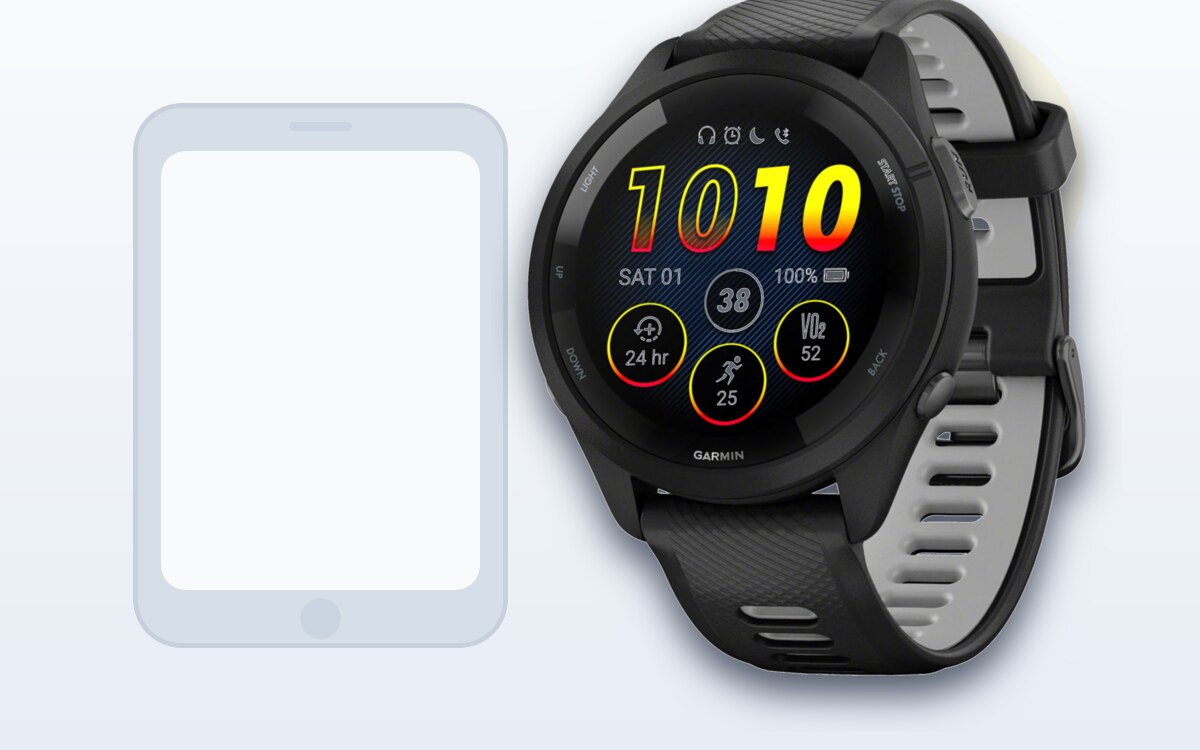
If you've landed here, you're probably pulling your hair out because you set an alarm on your Samsung phone and your Garmin watch doesn't seem to know it exists. No notification when it goes off, no way to snooze or dismiss from your wrist — nothing. You're not alone — this is one of the most common issues Garmin owners with Samsung phones run into, and the fix is stupidly simple.
I ran into this myself with a Garmin Fenix 8 paired to a Samsung Galaxy S25, and it took me way longer than I'd like to admit to figure out. So here's the post I wish I'd found.
What You're Missing Out On
Here's the thing — when alarm syncing actually works between your Garmin and your phone, you get some genuinely useful features on your watch:
- Get notified when your alarm goes off. Your watch buzzes and shows you the alarm, so even if your phone is across the room, you know it's ringing.
- Dismiss a ringing alarm from your wrist. No fumbling for your phone on the nightstand in the dark. Just tap dismiss on your watch.
- Snooze from your watch. Hit snooze without even opening your eyes to find your phone. This one alone is worth the fix.
- Dismiss an alarm before it goes off. This is the one that really sold me. Your Garmin will actually notify you a few minutes before your alarm is set to go off, giving you the option to cancel it entirely from your wrist. Already awake? Just dismiss it in advance and your phone never makes a sound.
If none of that is happening for you, keep reading.
The Problem
Garmin watches — whether you're rocking a Fenix 8, Fenix 7, Forerunner 965, Forerunner 265, Venu 3, Epix Pro, or any other model — use the Android alarm API to communicate with your phone's clock app. The problem? Samsung's default clock app (called Samsung Clock, the one that comes pre-installed on every Galaxy phone) doesn't play nicely with this API. Your Garmin can't see your alarms, can't control them, and basically pretends they don't exist.
This affects basically every Samsung Galaxy phone — the S25 Ultra, S25+, S25, S24 series, S23 series, Galaxy Z Fold, Galaxy Z Flip, Galaxy A series — all of them ship with Samsung Clock, and all of them have this same issue.
The Fix: Install Google Clock
That's it. Seriously. You need to install the Google Clock app and set it as your default clock/alarm app. Google Clock properly supports the alarm API that Garmin Connect uses, which unlocks all of those watch-based alarm controls mentioned above.
Here's the link: Google Clock on Google Play
Once you install it:
- Open Google Clock and let it set itself up.
- Your phone should prompt you to set it as the default clock app. If it doesn't, go to Settings → Apps → Default apps → Alarm app and select Google Clock.
- Open Garmin Connect on your phone, go to your watch settings, and make sure alarm syncing is turned on.
- Set an alarm in Google Clock. Your Garmin should now be able to see it, notify you when it goes off, and let you snooze or dismiss right from your wrist.
That's literally all there is to it.
Why Does This Happen?
Samsung builds their own version of almost every core Android app — messages, phone, keyboard, clock, you name it. Samsung Clock works fine on its own, but it doesn't support the same alarm intents and APIs that Google's version does. Since Garmin Connect relies on those standard Android APIs to sync with your phone's alarms, Samsung Clock just ignores the requests entirely.
Google Clock, being the "stock" Android clock app, handles everything correctly. Pixel phones never have this issue because they ship with Google Clock by default.
Which Garmin and Samsung Combos Does This Affect?
From what I've seen (and from forums), this is a problem across the board:
Garmin watches: Fenix 8, Fenix 7, Fenix 7X, Epix Pro, Epix Gen 2, Forerunner 965, Forerunner 955, Forerunner 265, Forerunner 255, Venu 3, Venu 3S, Venu 2, Vivoactive 5, Instinct 2, Instinct Crossover, Enduro 3, Enduro 2, Tactix 7, MARQ Gen 2, Descent Mk3, D2 Mach 1
Samsung phones: Galaxy S25 Ultra, Galaxy S25+, Galaxy S25, Galaxy S24 Ultra, Galaxy S24+, Galaxy S24, Galaxy S24 FE, Galaxy S23 series, Galaxy S22 series, Galaxy Z Fold 6, Galaxy Z Fold 5, Galaxy Z Flip 6, Galaxy Z Flip 5, Galaxy A55, Galaxy A54, Galaxy A35, Galaxy A16
If you own any combination of the above, install Google Clock and save yourself the headache.
Quick Troubleshooting
If alarms still aren't syncing after switching to Google Clock, double-check a few things:
Make sure Garmin Connect has all its permissions enabled — notifications, background activity, battery optimization set to "unrestricted." Samsung is aggressive about killing background apps, so you'll want to go to Settings → Battery → Background usage limits and make sure Garmin Connect is in the "Never sleeping" list.
Also make sure Bluetooth is stable and your watch is actually connected. Sounds obvious, but it's worth checking.
Final Thoughts
Once you make this switch, controlling your phone's alarms from your Garmin becomes second nature. The pre-alarm dismiss feature alone is worth it — waking up naturally a few minutes before your alarm and just killing it from your wrist without disturbing anyone else in bed is genuinely great.
It's a two-minute fix. Install Google Clock, set it as default, and forget about it.
Hope this saves someone the hours of Googling it took me to figure out.